Lost Android3.26
Publisher Description
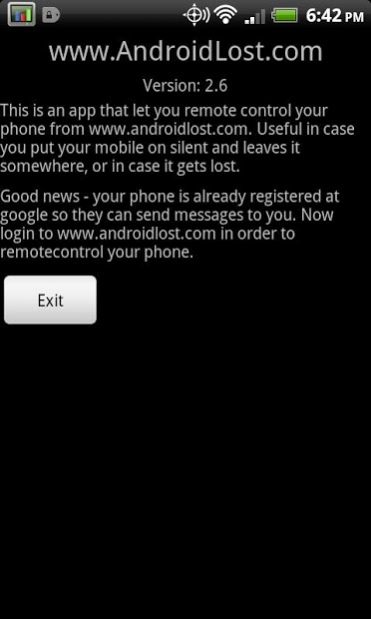
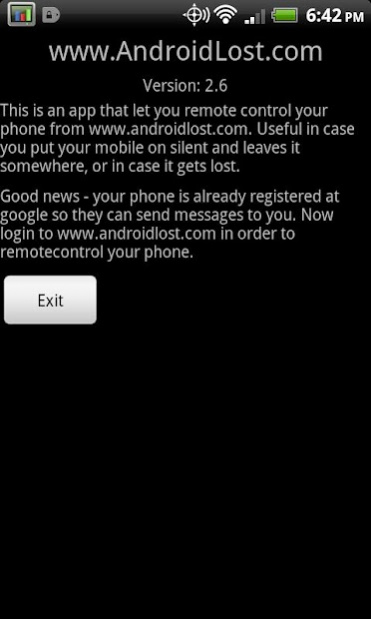
Remotely control your Android phone from the http://www.androidlost.com or by SMS.
Features:
* read sent and received SMS messages
* wipe phone
* lock phone
* erase SD card
* locate by GPS or network
* start alarm with flashing screen
* send SMS from web page
* message popup
* forward calls
* phone status: battery, imei, etc.
* remote SMS alarm
* remote SMS lock and unlock
* remote SMS erase SD card
* remote SMS wipe phone
* remote SMS APN control
* start/stop GPS
* start/stop WIFI
* hide from launcher
* email when SIM card is changed
* get call list
* take picture with front camera
* take picture with rear camera
* make your phone speak with text-to-speech
* SMS message command
* SMS speak command
* lock timeout
* restore settings on boot
* record sound from microphone
* start and stop data connection from SMS
* start and stop WIFI connection from SMS
* content browser prototype
The app does no polling to a server, so there is no extra battery usage.
This app uses the Device Administrator permission.
More details on the control web site: http://www.androidlost.com.
Have a question? Please use the forum: http://groups.google.com/group/androidlost
If you have trouble uninstalling, please read the FAQ - there are several one-click solutions!
About Lost Android
The company that develops Lost Android is Theis Borg. The latest version released by its developer is 3.26. This app was rated by 17 users of our site and has an average rating of 3.1.
To install Lost Android on your Android device, just click the green Continue To App button above to start the installation process. The app is listed on our website since 2022-04-18 and was downloaded 791 times. We have already checked if the download link is safe, however for your own protection we recommend that you scan the downloaded app with your antivirus. Your antivirus may detect the Lost Android as malware as malware if the download link to com.androidlost is broken.
How to install Lost Android on your Android device:
- Click on the Continue To App button on our website. This will redirect you to Google Play.
- Once the Lost Android is shown in the Google Play listing of your Android device, you can start its download and installation. Tap on the Install button located below the search bar and to the right of the app icon.
- A pop-up window with the permissions required by Lost Android will be shown. Click on Accept to continue the process.
- Lost Android will be downloaded onto your device, displaying a progress. Once the download completes, the installation will start and you'll get a notification after the installation is finished.
Program Details
System requirements
Download information
Pricing
Version History
version 3.26
posted on 2022-04-18
* Bugfix for sound recording
* GUI changes to comply with google policies
version 3.25
posted on 2021-02-14
* bugfix sound recording
* bugfix troubleshooter
* bugfix contentbrowser
* bugfix call list
* bugfix sms handler
version 3.24
posted on 2021-01-20
Prominent disclosure shown before anything
version 3.22
posted on 2021-01-14
Displaying correct image on notification
version 3.21
posted on 2021-01-12
Permission bugfix for androids older than version 10
version 3.18
posted on 2020-12-27
Status message now works on android 10
version 3.17
posted on 2020-05-11
* new camera feature without popup
* camera now works on android 10
* vibrate now works on android 10
version 3.14
posted on 2019-11-17
* Re register bugfix - added AsyncTask
* troubleshooter FCM
* added screen size, CPU type and sensors to status message
* better first time text
version 3.13
posted on 2019-10-29
* FTP bugfix - removed FTP service and added FTP AsyncTask
* auto update FCM key without open app
* added more security
version 3.12
posted on 2019-10-12
Added permission control so that the SmsHandler app can communicate with this app on android 8 and above
